Author: John Elia

  • A self-hosted Visio, set up in an afternoon

    Diagrams are how infrastructure gets explained, and Microsoft Visio is the tool most organisations know. It is also licensed per seat.

    flows.libcsys.com is our answer: draw.io, the open-source diagramming tool, running on our own servers behind our single sign-on. It opens and saves Visio .vsdx files, ships the shape libraries engineers expect (network, cloud, flowchart, BPMN, UML) and costs nothing per user.

    How it came together

    Claude installed it, put it behind our sign-on, gave it a home in the LIBCSystems apps menu and checked that files open, save and share correctly. The whole thing went from idea to working service in an afternoon.

    This is the pattern we bring to clients: find the open-source tool that does the job, run it properly under your own domain and sign-on, and stop paying rent on software you only need to own.

  • From two photos to a 3D house in fifteen seconds

    From two photos to a 3D house in fifteen seconds

    We were given two photographs of a hillside villa: one from the air, one at dusk from the front. The question was whether we could turn them into a 3D model to build on.

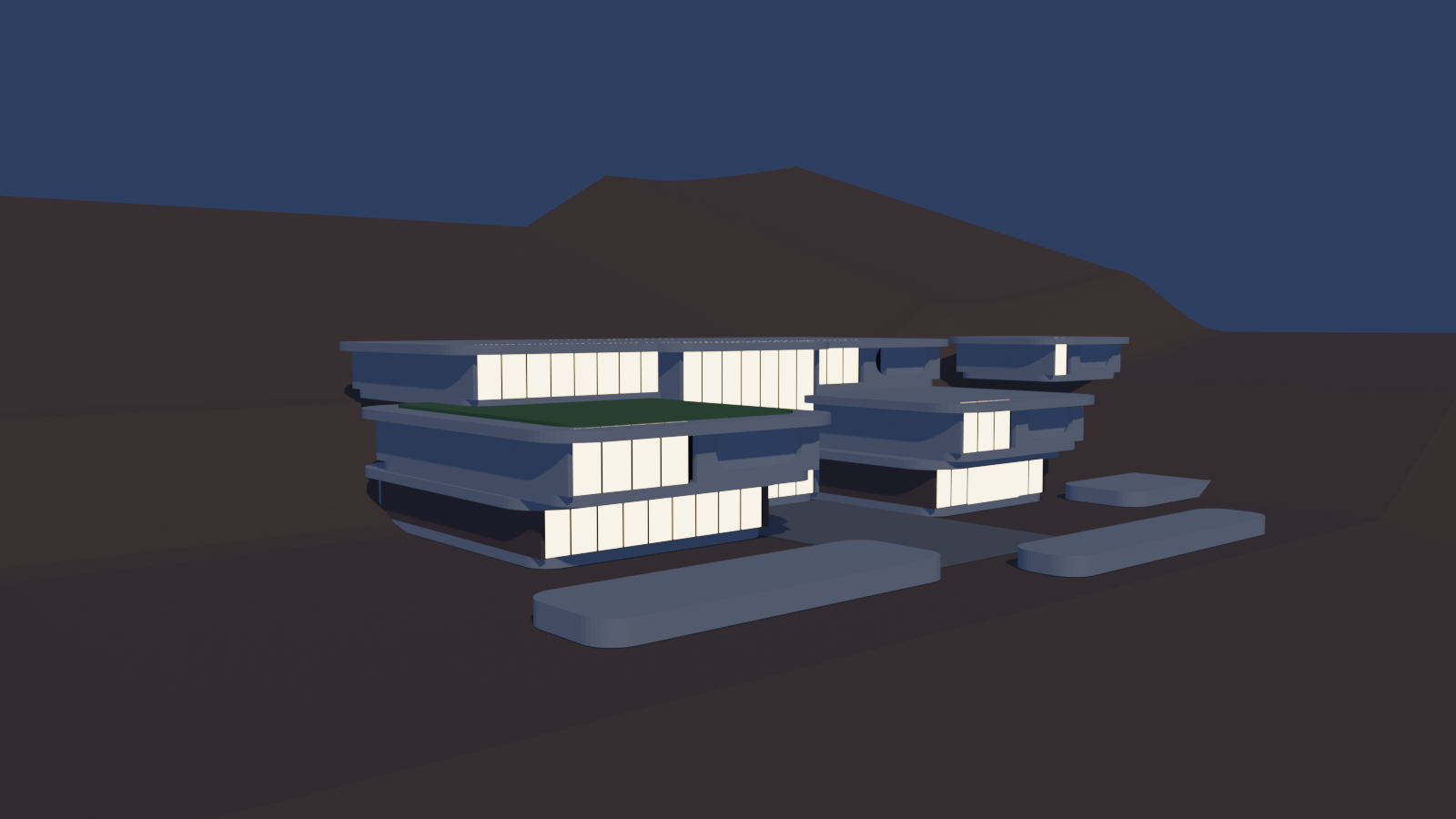
    Two photos are not enough for a true 3D scan, which needs dozens of overlapping shots. So instead of scanning, Claude read the photos the way an architect would: three terraced levels stepping up the hill, long glass walls, deep rounded slabs overhanging the terraces, a courtyard and a driveway.

    What came out

    • A Blender model of 252 objects, generated by a script in about fifteen seconds.
    • Three renders: a dusk front view, a daylight aerial and a floor-plan cutaway with the roofs removed.
    • An export ready for a game engine, so the house can be walked through, not just looked at.

    It is a shell, not a finished design, and that is the point. The slow part of 3D work is the blank canvas. Claude removes it, and a person spends their time on the decisions that matter.

  • AI is my team: why Claude is revolutionary for a small business

    AI is my team: why Claude is revolutionary for a small business

    For most of computing history, a business got as much technology as it could hire people to run. Claude changes that equation, and we run LIBCSystems as the proof.

    Behind libcsys.com is a full business suite: single sign-on, mail, cloud files and calendars, documents, video meetings, team chat, IRC, mailing lists, diagrams, a blog, a public status page and analytics. It runs on infrastructure we operate ourselves, alongside dozens of other sites, with one senior architect in charge and Claude as the team.

    What “AI as the team” actually means

    • Claude does the work: builds and deploys services, writes and tests code, reads logs, traces faults and writes the documentation.
    • A person approves it: nothing that touches a client’s systems or speaks in someone’s name goes out without a human decision.
    • Everything is recorded: every change is committed, backed up first and verified live, so there is always a way back.

    Why that is revolutionary

    A small business can now have the systems a large one has, run with the same care, at a fraction of the cost. The skill that matters is no longer typing every command. It is knowing what good looks like, and holding the work to it.

    That is what we offer clients: AI-assisted operations, with a human who signs his name to the result.

  • Fractals: infinite detail from simple rules

    Fractals: infinite detail from simple rules

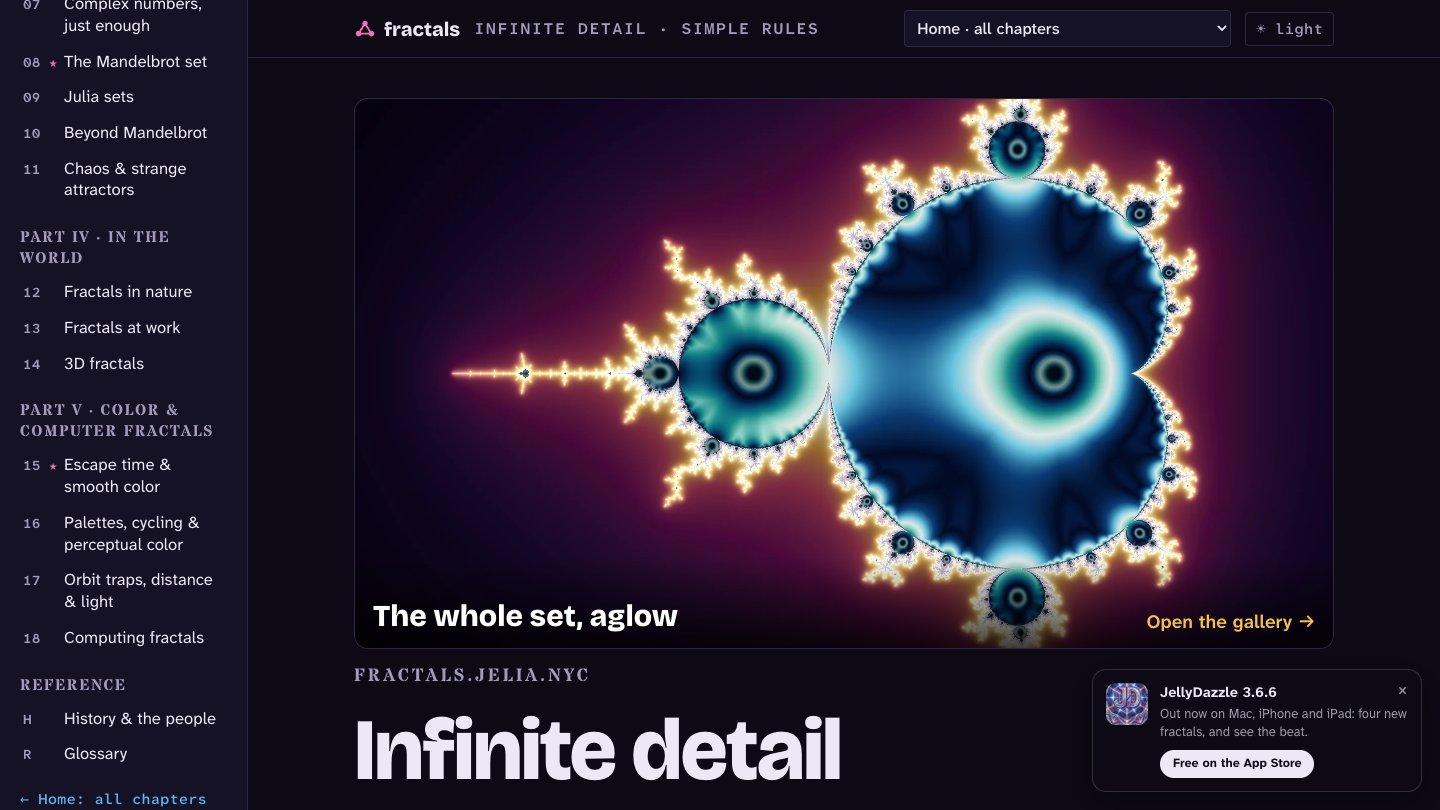
    A few lines of maths can draw a coastline, a fern or a galaxy. fractals.jelia.nyc is the third site in our family of deep dives, after networks and waves, and the most colourful.

    It runs to eighteen chapters in five parts, plus a history and a 107-term glossary: self-similarity and fractal dimension, the classic “monsters”, the chaos game and L-systems, fractal flames, the Mandelbrot and Julia sets, and how computers actually colour them.

    A gallery you can step into

    Sixty-three original renders, from the Mandelbrot set’s seahorse valley to iterated-function-system ferns, are woven through the chapters and collected in a gallery. Each image links straight into an explorer so you can zoom in yourself.

    Fractals sit at the heart of JellyDazzle, our music-visualiser app for Mac, iPhone and iPad. The last part of the site walks through real problems we solved there, including the smooth colour crossfade that fixed a flash between scenes.

    Get lost in it: fractals.jelia.nyc

  • Networks, explained the way you wish someone had

    Networks, explained the way you wish someone had

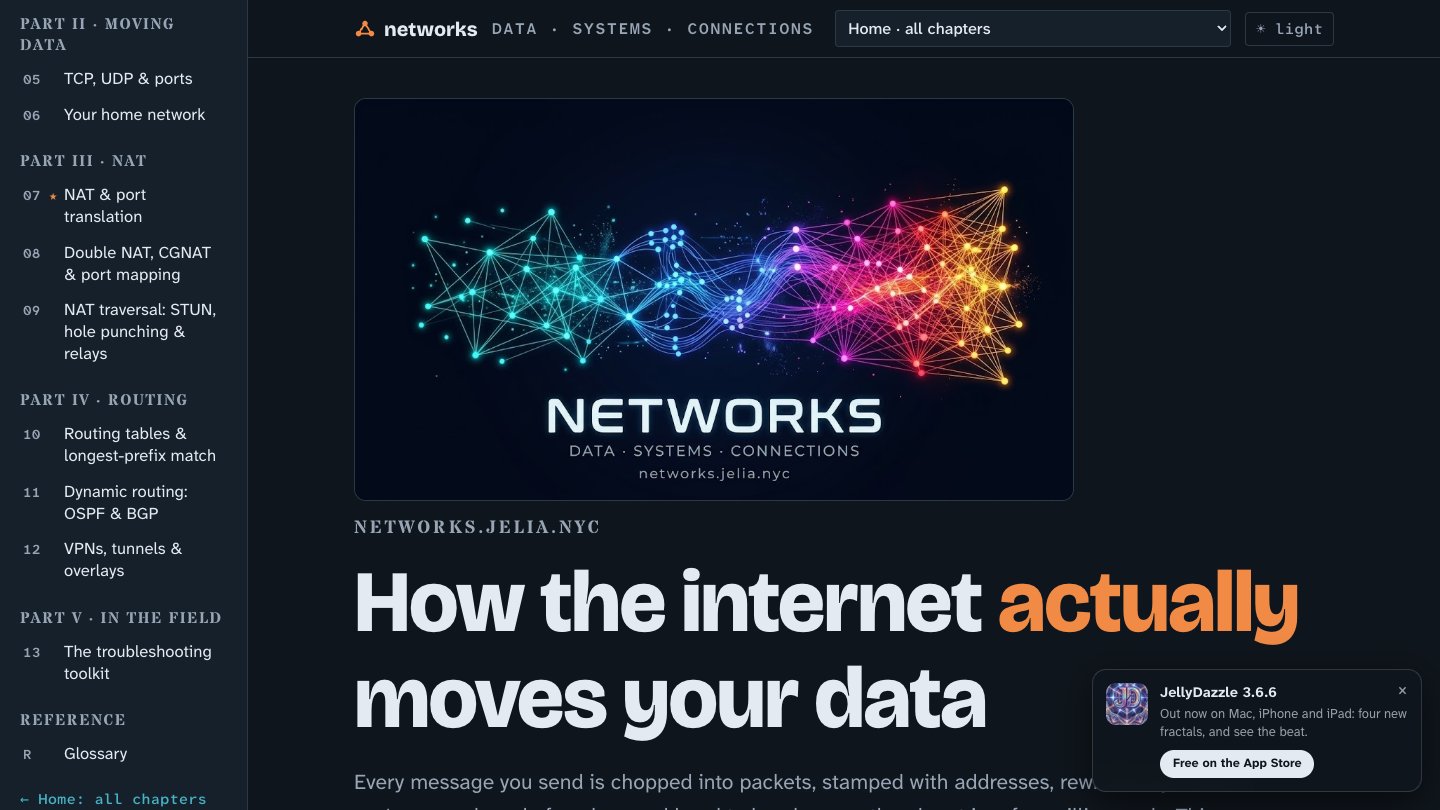
    Most networking guides start with acronyms. networks.jelia.nyc starts with what you can see: a packet leaving your laptop, and every hop it takes until it comes back.

    It is a visual, hands-on guide in thirteen chapters, built so a curious owner and a seasoned engineer can both get something from it. Every chapter has a narrated walkthrough and an instrument you can poke at, and break, safely.

    What it covers

    • What a network is, then Ethernet, MAC addresses and switches
    • IP addresses and subnets, DHCP and DNS
    • TCP, UDP and ports, and your own home network
    • NAT, double NAT and CGNAT, and how NAT traversal (STUN, hole punching, relays) gets around them
    • Routing tables, longest-prefix match, OSPF and BGP
    • VPNs, tunnels and overlays, and a troubleshooting toolkit to close

    It is the same knowledge we use every day running mail, sign-on and video for our clients. When something is slow or unreachable, the answer is almost always somewhere in these chapters.

    Read it: networks.jelia.nyc

  • Waves: the invisible physics behind Wi-Fi, radio and light

    Waves: the invisible physics behind Wi-Fi, radio and light

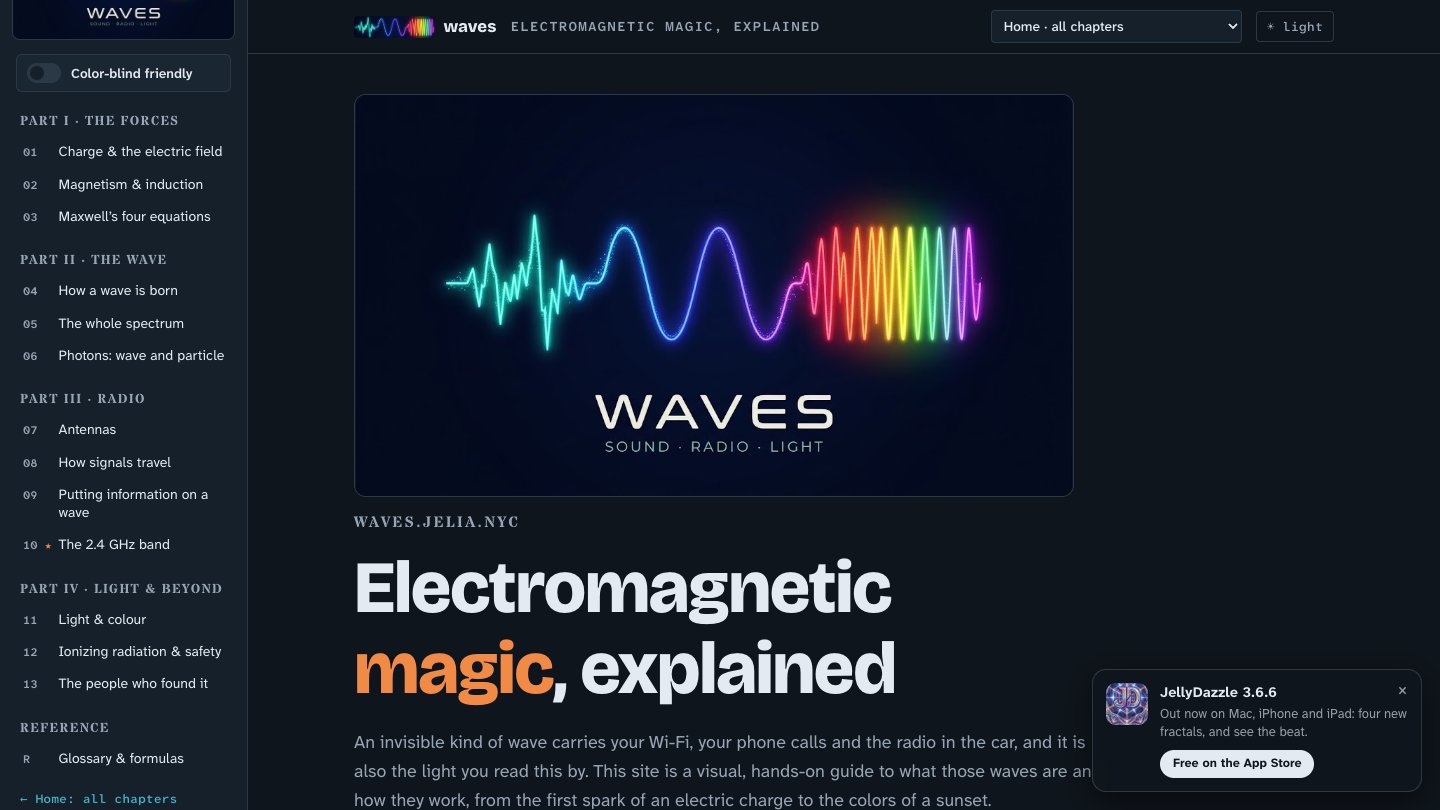
    Your Wi-Fi, your car keys, the radio and the light in the room are the same thing at different sizes. waves.jelia.nyc is our deep dive into electromagnetism, written for people with no physics background.

    It began with a single page explaining what 2.4 GHz actually means. That page is still there, untouched, and the rest of the site grew around it: a hub, thirteen chapters and a glossary, each with narrated walkthroughs and instruments you can play with.

    Built to be read by everyone

    • Large, highly legible type throughout (Atkinson Hyperlegible).
    • A colour-blind-friendly switch: palettes chosen by simulating colour-vision deficiency and checking that colours stay distinct in hue, not just in contrast.
    • Light and dark themes, with the same chapter list driving every page.

    Accessibility is not a feature we add at the end. It is how we build everything, from a teaching site to a client’s sign-in page.

    Explore it: waves.jelia.nyc